






Flexible Classroom Implementation
Magrid is designed to fit your classroom, not the other way around.
Whether you have one device or a full set, Magrid can be implemented quickly and used in a way that works with your routines, resources, and learners.
Magrid works in a variety of classroom setups, making it easy to integrate into your existing teaching practice. Below are three common ways schools use Magrid, but our team can always help you find an approach that works for your specific classroom and context.
Many ways to use Magrid
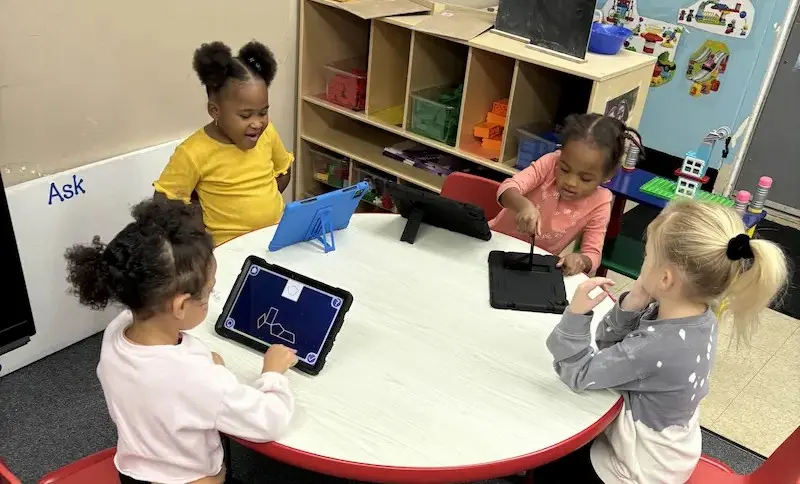
A small number of devices are used as a rotating station during the day.
Students take turns completing short, focused sessions, while the rest of the class continues with other activities. This model works well in classrooms with limited devices and fits easily into existing routines.
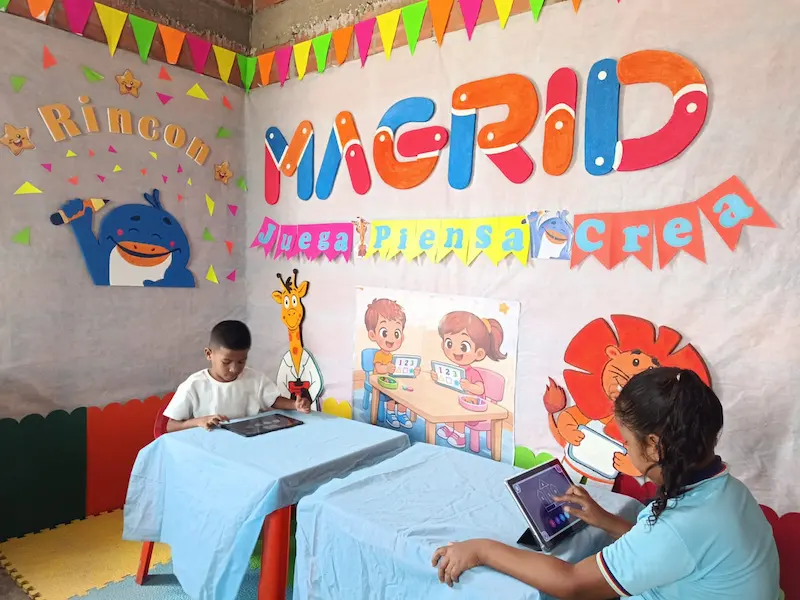

Learning Centers (4–8 devices)
Magrid can be used as one of several rotating centres in the classroom.
Students move through different activities, with Magrid providing structured, independent practice. This supports differentiation and allows teachers to work with small groups while others are engaged.
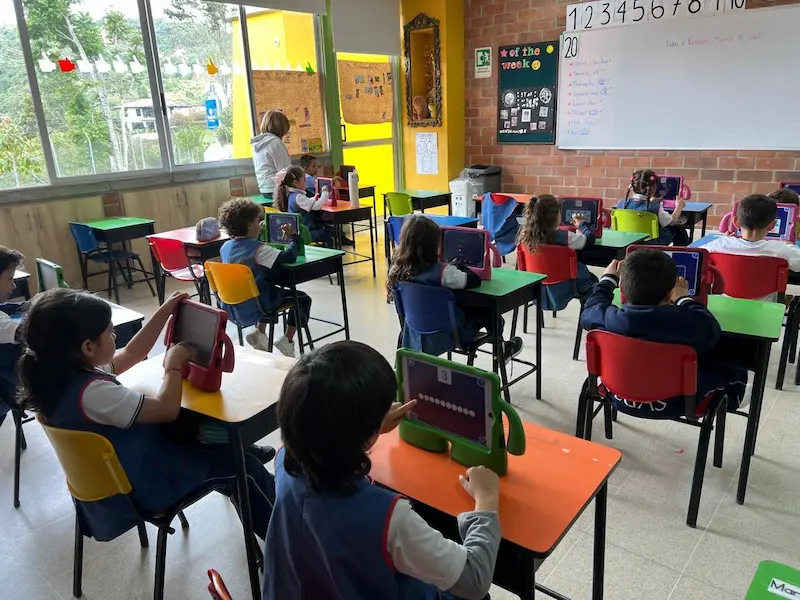
Whole-Class Learning (1:1 devices, 1 per child)
Magrid can be used with the whole class at once.
A short teacher-led introduction can be followed by independent practice, where each student works at their own level. This allows all learners to be engaged while progressing at their own pace.
Setting up Magrid is simple
Getting started with Magrid is quick and easy, with flexible options to suit the needs of your school.
You can simply send your class list (for example, exported from your learning management system or school database), and the Magrid team can set everything up for you.
If you prefer to set things up yourself, it only takes a few minutes. You can create a class, add students, and get started directly in the app, with no technical setup or logins required for students.
Students access Magrid by tapping the avatar with their name, making it easy for even the youngest learners to begin independently.
Magrid also provides teacher onboarding and training, not only to support setup, but to help you understand how to use the program effectively in your classroom. This includes guidance on implementation, interpreting progress, and applying the Magrid learning approach with confidence.
What a typical session looks like
Magrid is designed for short, focused use within the school day.
Students typically use the app for ~15 minutes per session, working independently through structured activities.
With visual, intuitive tasks, students can engage independently without needing instructions, allowing teachers to:
- Observe learning more closely
- Support small groups
- Provide targeted intervention
This makes Magrid easy to fit into daily routines without disrupting existing teaching.
Supporting different learners in practice
Magrid can be used in different ways within the same classroom, making it a practical tool for supporting a wide range of learners at once.
As each student works at their own level, teachers can use Magrid to support both intervention and extension, without needing separate resources or additional planning.
Teachers often use it to:
- Support learners who need additional practice, reinforcing key concepts at their own pace
- Extend learning for more advanced students, allowing them to progress further independently
- Enable independent learning during rotations, keeping all students engaged while the teacher works with small groups
This makes it easier to manage mixed-ability classrooms, where learners are often working at different levels within the same lesson.
Magrid also helps make learning more visible. Teachers can quickly see how students are progressing and use this insight to adjust support, group learners, or revisit concepts where needed.

Monitoring progress and adapting teaching
Magrid provides clear, real-time insight into student progress, both within the app and through a more detailed teacher dashboard.
In the app, teachers can quickly access individual student reports, making it easy to check progress in both training and assessment at a glance during lessons.
For deeper analysis, the panel de control en línea provides more detailed insights across all students and classes. Teachers can explore progress over time, identify patterns, and download full data sets to support planning, reporting, and communication.
Teachers can:
- Track individual and group development
- Identify strengths and learning needs
- Monitor progress over time
This combination of quick, in-the-moment visibility and deeper analysis helps inform teaching decisions and makes it easier to provide targeted, effective support where it is needed most.
Common questions
Magrid works effectively as a rotation station, with students taking turns in short, focused sessions throughout the day.
No reading is required. All activities are visual and designed for independent use.
Typical use is 15 minutes per session, aiming for around one hour per week, with flexible implementation depending on your schedule.
Magrid is typically used as a year-long program, supporting continuous development over time. Some students may progress more quickly, while others may move at a slower pace, depending on their individual needs and starting point.
For any additional questions, you can visit our full FAQ page or reach out to our support team, who are always happy to help.
Start using Magrid in your classroom today
Magrid is quick to set up, flexible to use, and designed to support real classroom learning.